
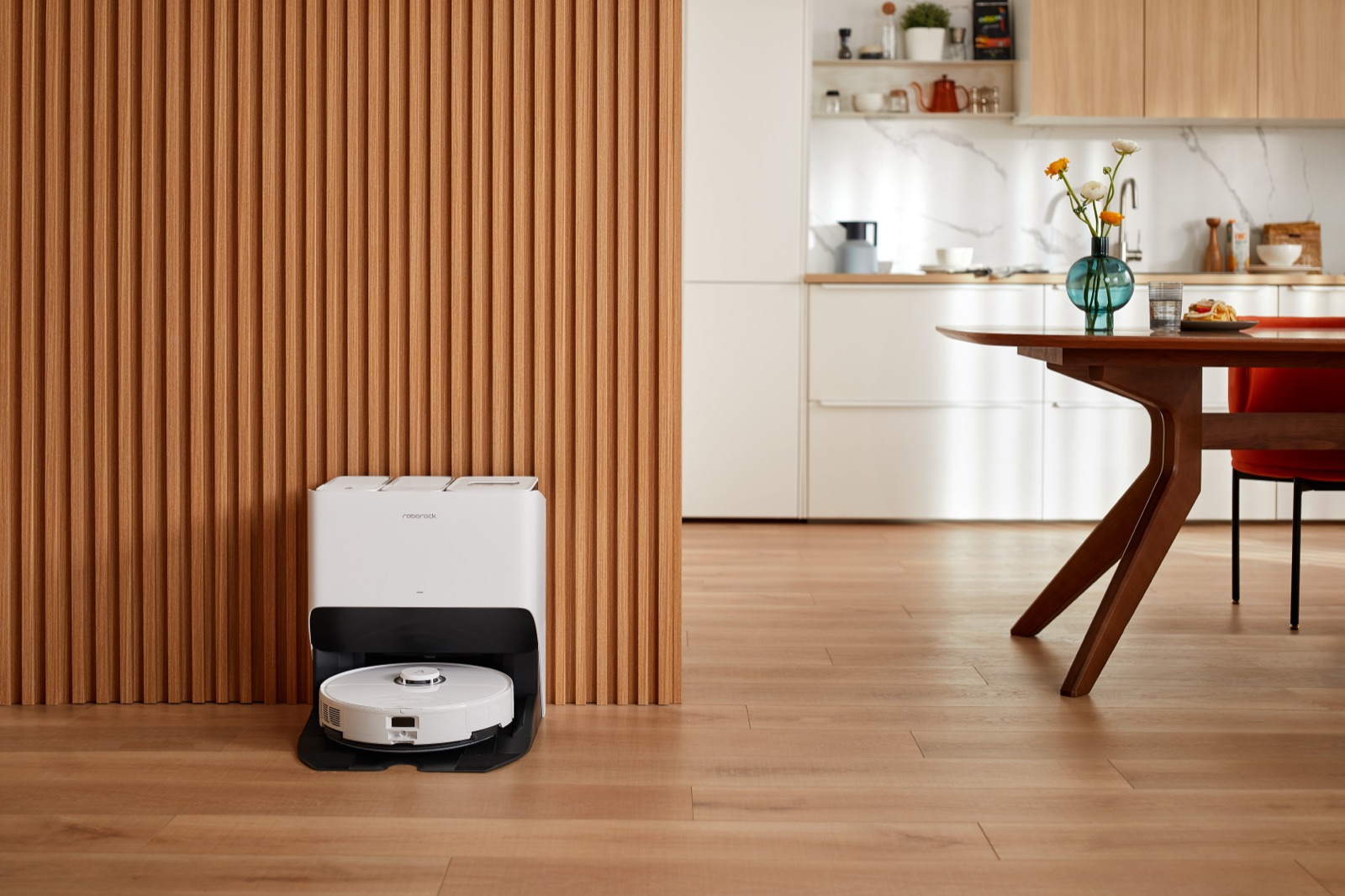
How to Choose a Robot Vacuum in 2026: Ignore the Specs, Focus on Reliability
Buying a robot vacuum used to mean picking the one that bumped into your walls the least. Today, you are buying a complex, app-dependent smart-home appliance. With spec sheets boasting massive suction numbers and high-tech obstacle avoidance, it is easy to overpay for features you don't need — or underpay for a machine that bricks itself after six months.
Here is exactly what matters when choosing a robot vacuum, and what is just marketing noise.
The short answer
If you want to skip the deep dive, here is the baseline of what to look for in a modern robot vacuum:
- Navigation: Lidar is mandatory. Don't buy a vacuum that uses "bump and go" or relies solely on a camera without Lidar.
- Brushes: Dual rubber anti-tangle rollers beat traditional bristle brushes, especially for pet hair.
- Docks: An auto-empty dustbin is highly recommended if you have carpets or pets — but skip the auto-mopping/washing docks unless you'll clean the dirty-water tanks regularly.
- App reliability: Hardware is only as good as the software. Stick to brands with proven track records of maintaining their companion apps.
Check live prices and aggregated Reddit sentiment scores for top Lidar models on Avorio →
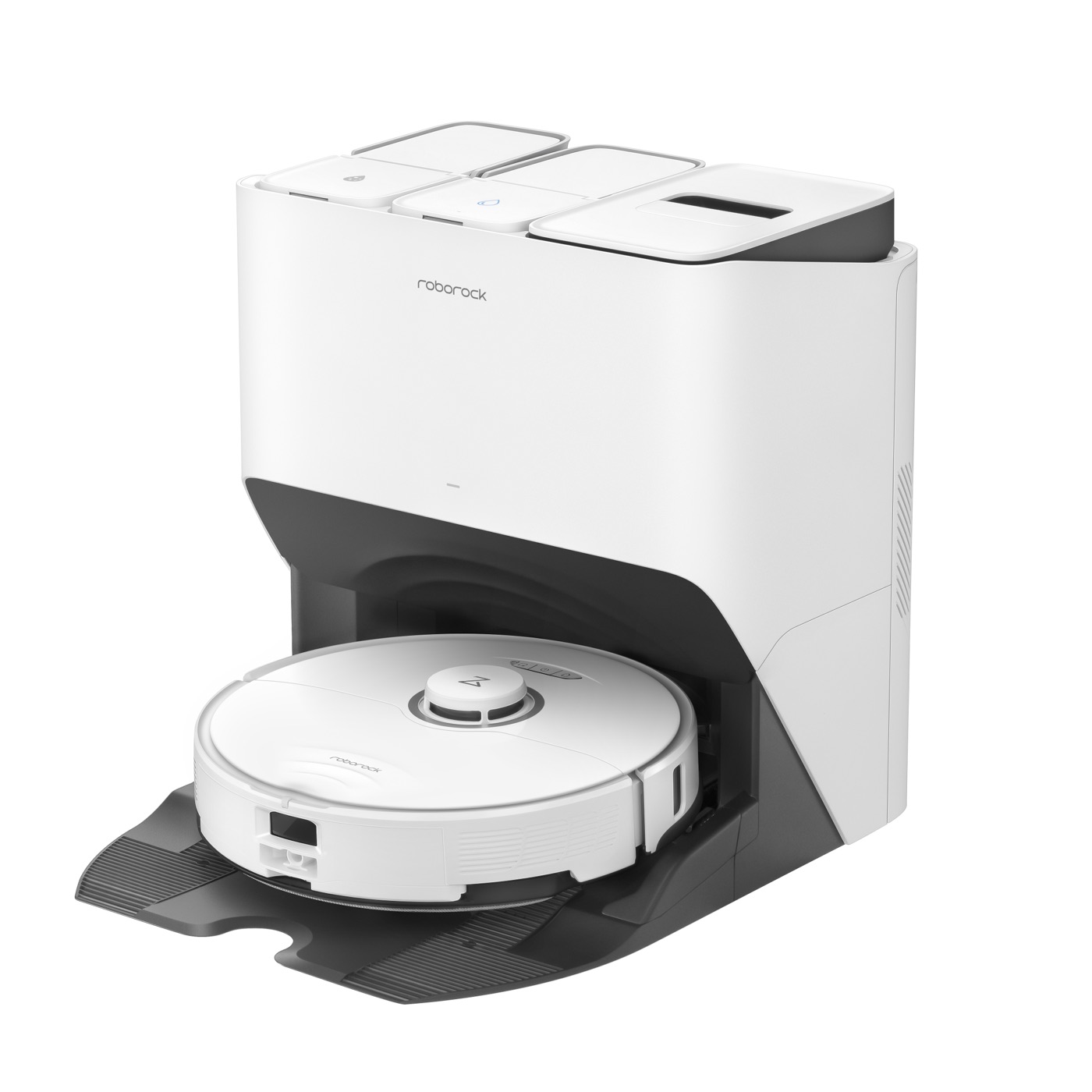
Before we break down what to look for, here's how these machines actually process your floor plan and avoid obstacles:
Navigation: why Lidar is non-negotiable
A robot vacuum is useless if it gets lost under your couch. The primary dividing line between a frustrating toy and a genuinely helpful appliance is navigation.
- Gyroscope / bounce navigation: Older or extremely cheap models drive until they hit something, turn, and drive again. They miss spots and take forever. Avoid these.
- Camera-only (vSLAM): Better, but it needs a well-lit room to map your home.
- Lidar (laser navigation): The gold standard. A spinning laser on top of the vacuum maps your floor plan in seconds and works flawlessly in pitch black. It lets you draw "no-go zones," target specific rooms, and trust that the vacuum knows exactly where its base station is.

Suction power (Pa) is a marketing trap
Brands are in an arms race to advertise massive suction numbers — 8,000, 10,000, even 12,000 Pascals (Pa). In the real world, anything above 4,000 Pa is more than enough for daily maintenance cleaning on hard floors and low-pile carpet.
Instead of paying a premium for extreme suction, look at the brush roll design. Raw suction doesn't pull embedded pet hair out of carpet; mechanical agitation does. A robot with a dual-rubber-roller design (popularized by iRobot and now adopted by others) running at 5,000 Pa will vastly outperform a single bristle-brush vacuum running at 10,000 Pa. Plus, rubber rollers prevent hair from tangling, saving you from cutting out long strands with scissors every week.
The hidden reality of self-emptying docks
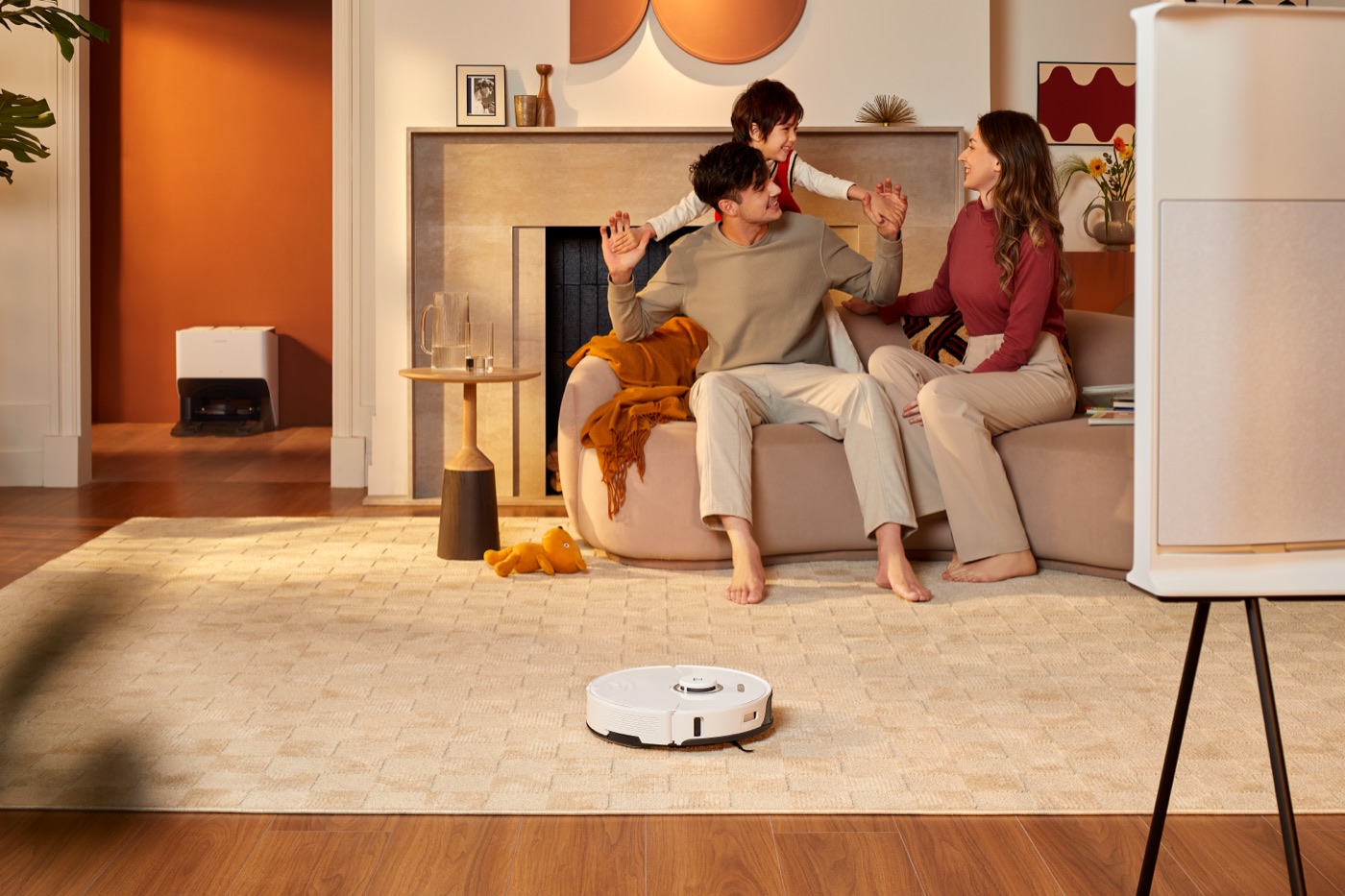
Auto-emptying docks are the best innovation in the space over the last five years. Because robot vacuums have tiny onboard dustbins (usually 300–500 ml), they fill up quickly. A self-emptying base sucks that debris into a larger, sealed bag, so you only interact with the dirt once every 30 to 60 days.
But keep these two things in mind:
- Consumables cost: These docks require proprietary vacuum bags. Expect to spend $15–$30 a year on replacement bags, depending on the brand.
- Mopping maintenance: If you upgrade to an "ultra" dock that empties dust and washes mop pads, be prepared for a new chore. You must manually empty the dirty-water tank regularly, or the stagnant water will produce a severe odor within days.
Long-term reliability and app ecosystems
A robot vacuum is a software product. If the companion app is clunky, drops your saved floor maps, or disconnects from your Wi-Fi, the vacuum becomes a paperweight.
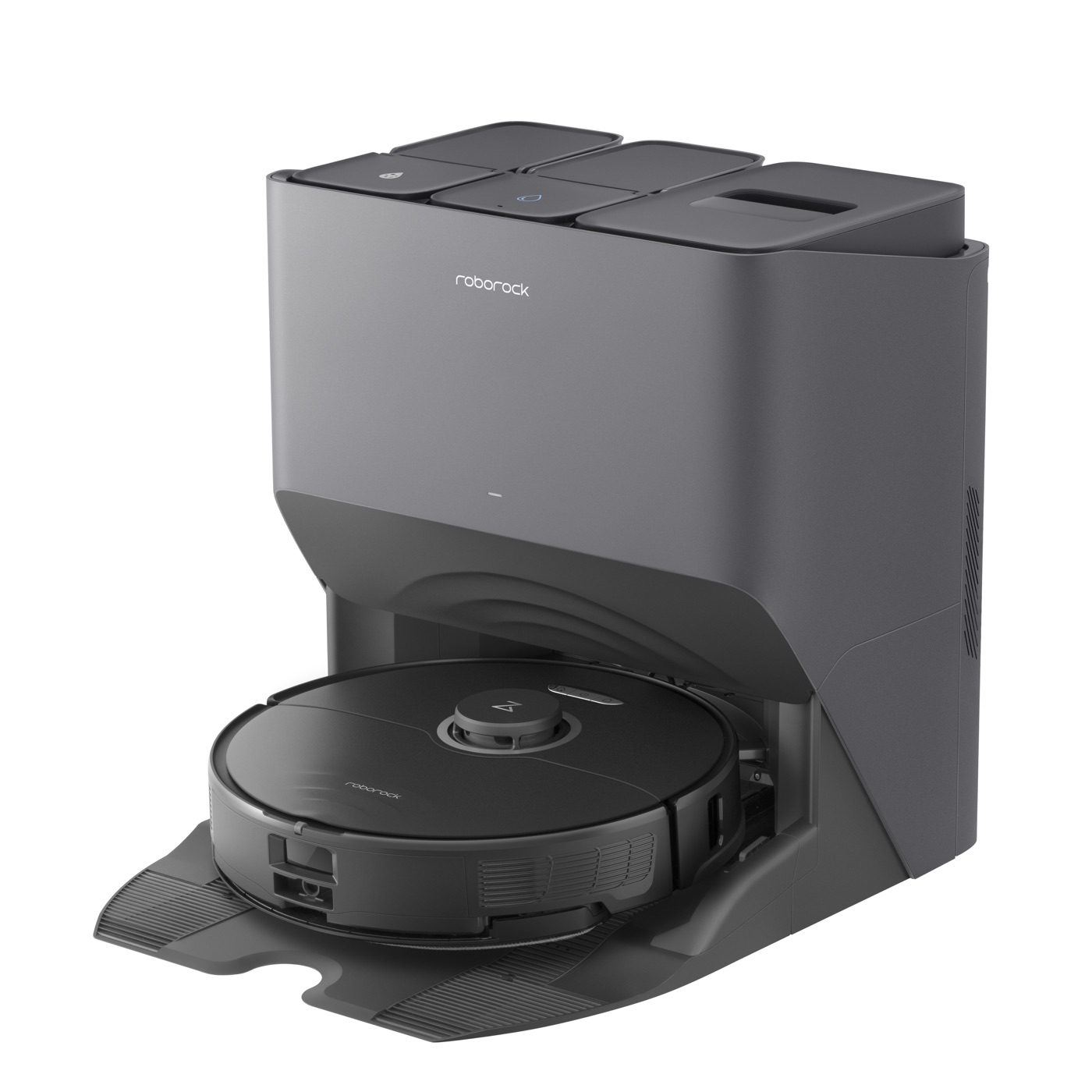
Don't base your purchase solely on launch-day YouTube reviews — look at the brand's track record for software updates. Ecosystems like Roborock and iRobot (Roomba) have historically invested heavily in long-term software stability and map retention. Budget-tier brands, by contrast, have faced heavy criticism in user forums for dropped maps and bricked firmware updates.
When you buy a robot vacuum, you are marrying into the brand's software team.
At the budget end of the spectrum the trade-offs become obvious. Here's how two popular value picks score once you strip out the sponsored hype — one leans on Lidar, the other still uses older bump-and-go navigation:
Don't rely on static reviews to make the final call. Avorio aggregates thousands of real user reviews, filters out sponsored and AI-generated content, scores long-term reliability across Reddit, YouTube, and social media, and finds the lowest live price.
Search robot vacuums on Avorio →
Frequently asked questions
Are robot vacuums worth it for pet hair?
Yes, but you must choose a model with rubber anti-tangle brush rolls and an auto-emptying base. Standard bristle brushes will quickly jam with pet hair, and standard onboard dustbins will fill up before a single room is finished.
Do robot vacuums work in the dark?
Models equipped with Lidar navigation work perfectly in pitch black because they use lasers to map the room. Models that rely entirely on upward-facing cameras for navigation will struggle or fail entirely in dark rooms.
Can a robot vacuum replace a traditional vacuum?
No. A robot vacuum is designed for daily maintenance cleaning to keep dust and surface hair at bay. You will still need a traditional stick or upright vacuum for deep cleaning carpets, stairs, and tight crevices.
Avorio cuts through sponsored content to surface authentic product reviews from Reddit, YouTube, and social media — and finds the best live prices. Search robot vacuums on Avorio →